How do I connect Coassemble to my AI assistant?
How to connect an AI assistant such as Claude to your Coassemble workspace, what it can do once connected, and how to manage or remove the connection.
You connect an AI assistant to Coassemble through MCP. Create a connection in your Settings, copy the connection URL into your assistant, and sign in to Coassemble once to authorise it. From then on the assistant can create and manage courses directly in your workspace, using over 50 tools covering course creation, editing, publishing and analytics.
In practice that means you can ask your assistant for a course and get a real course in your Coassemble workspace, then keep working on it either in the assistant or in the builder.
What can a connected assistant do?
Close to what you would do yourself in the app:
- Create courses from a brief or from a document, at any of the three source fidelity levels.
- Edit content screen by screen and block by block, including individual quiz questions.
- Restructure courses, reorder screens, and organise courses into collections and folders.
- Publish and share, including getting a share link.
- Read analytics, including course and screen level results, so you can ask what's working.
- Work with branding, themes, translations and narration.
- Place and generate images, including using images already in your workspace library.
How do I connect an assistant?
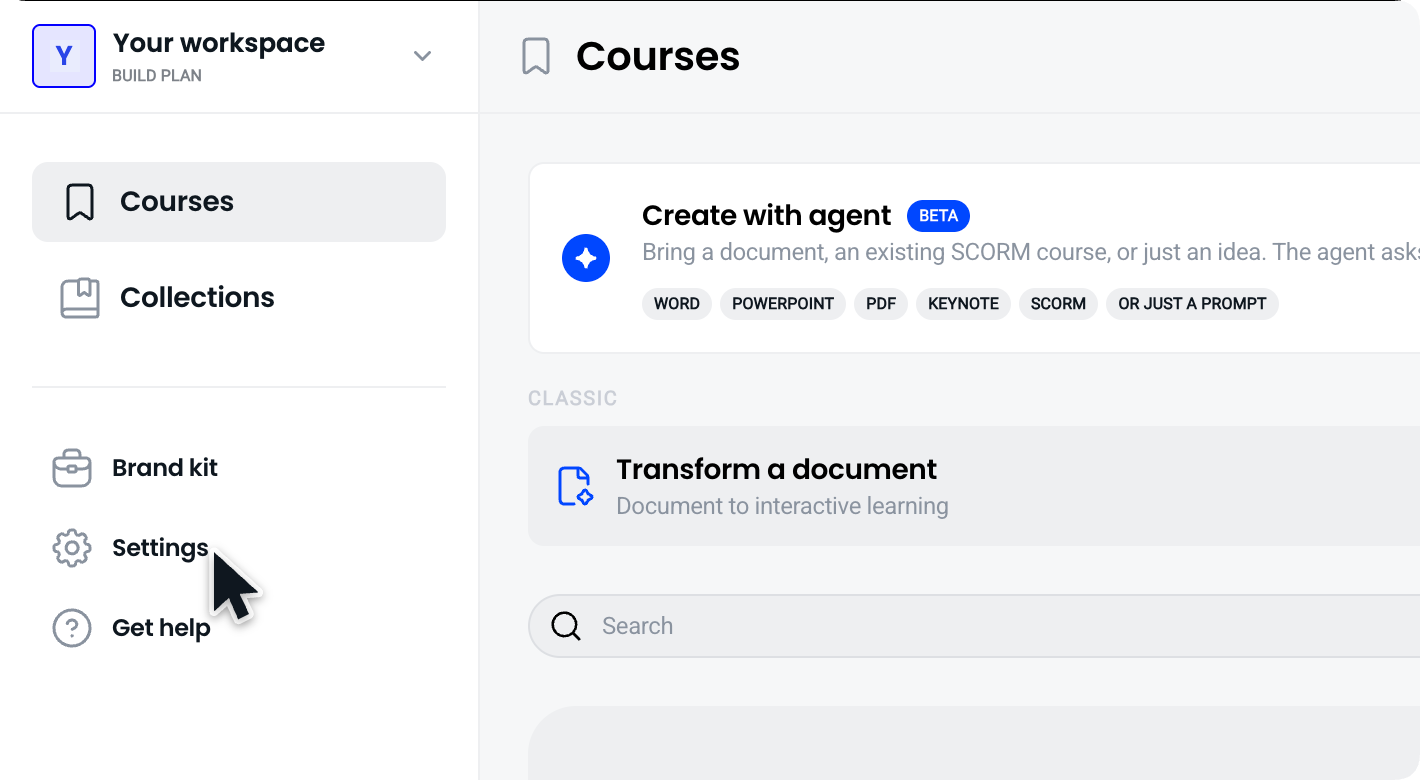
Open Settings in Coassemble and go to the MCP section.
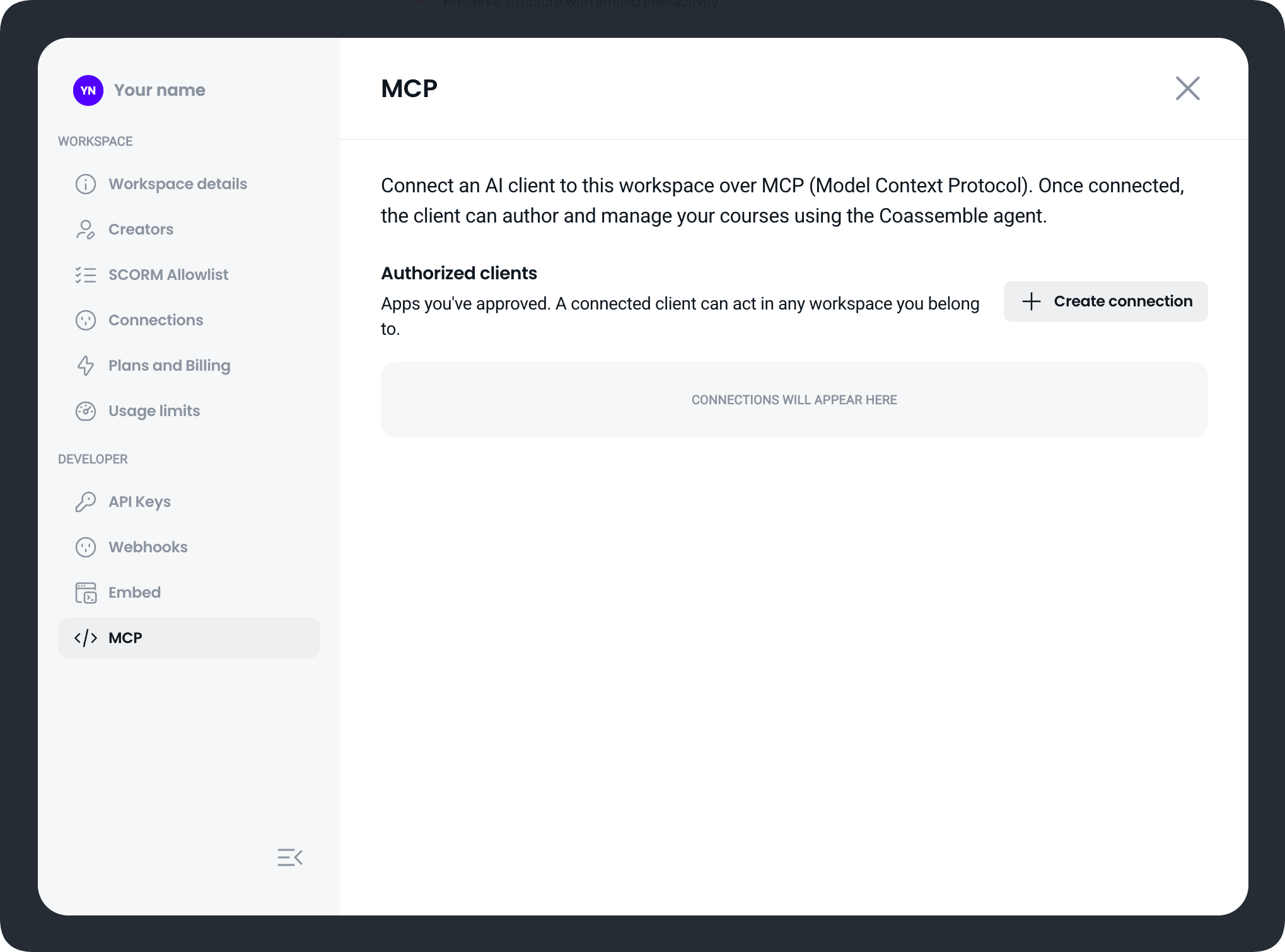
Create a connection and copy the connection URL.
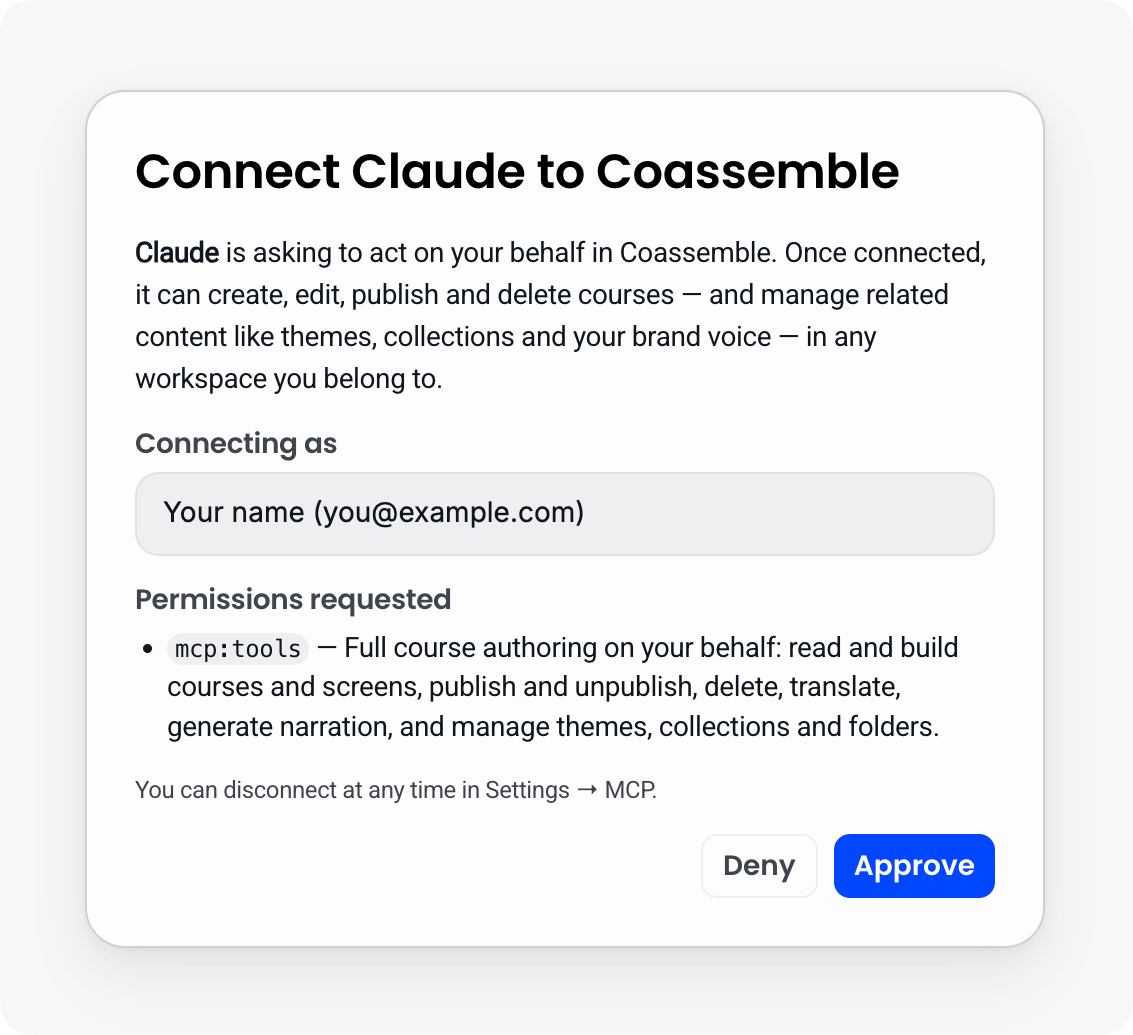
In your assistant, add that URL as a remote MCP server. Where you do this depends on the assistant.
Sign in to Coassemble when prompted, to authorise the connection.
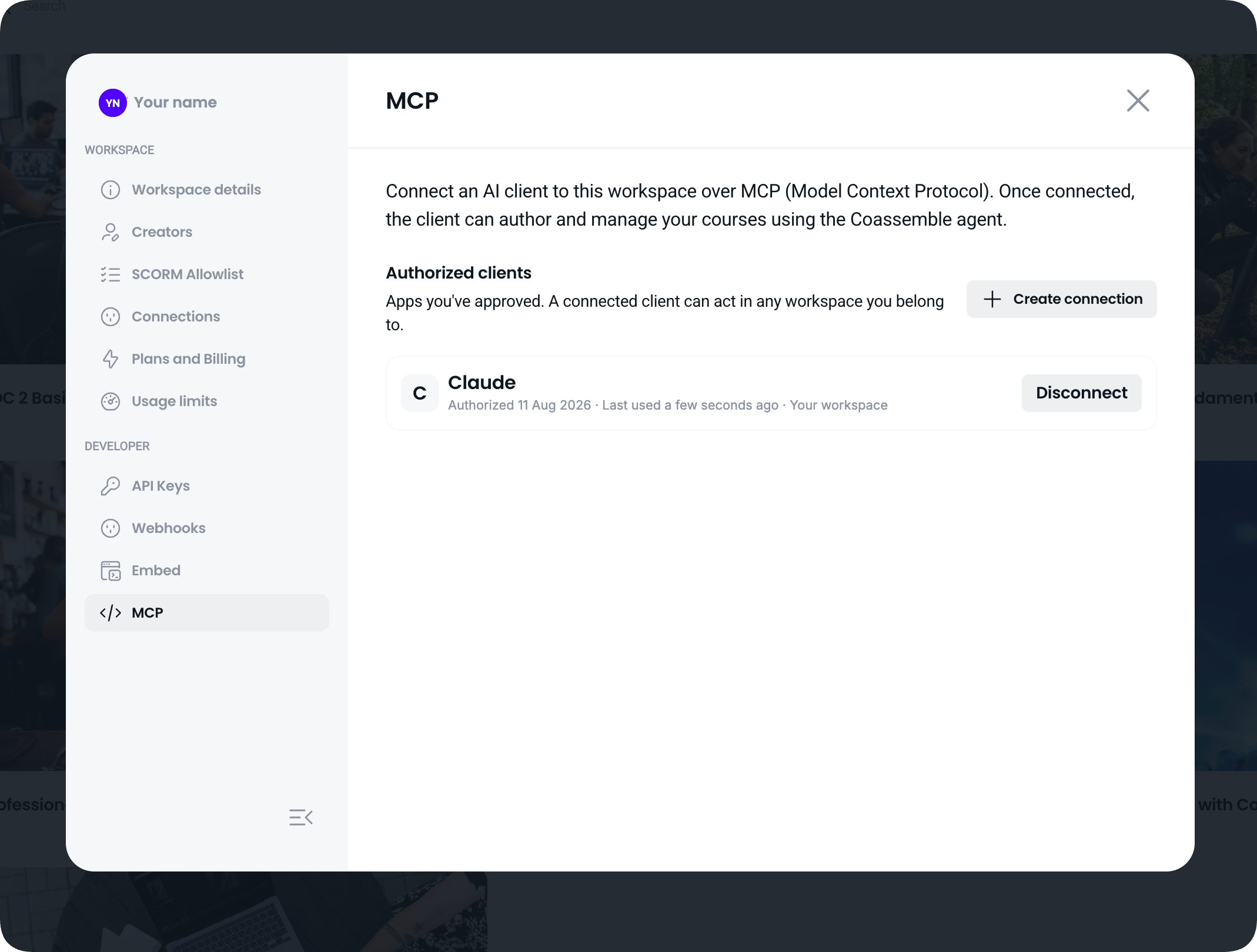
The assistant appears in your list of authorised connections, and you're ready to go.
It's one sign-in. You don't need an API key, and you don't need to paste credentials into the assistant.
Which assistants can I connect?
Any assistant that supports connecting to a remote MCP server and signing in. Because MCP is an open standard rather than a private integration, this isn't a fixed list, and support depends on the assistant rather than on Coassemble.
What is MCP?
MCP, the Model Context Protocol, is an open standard for connecting AI assistants to external tools and data. It means an assistant can work with Coassemble through a documented, permissioned connection rather than a one-off custom integration built for a single product.
How do I see or remove a connection?
Your Settings list every assistant you've authorised, each with its name and icon. Disconnect any of them at any time and it immediately loses access to your workspace.
One thing worth knowing when you review that list: the name and icon come from the application itself when it connects, so treat them as a label rather than proof of identity. If you see a connection you don't recognise, disconnect it.
Does this use my AI allowance?
Anything that consumes your workspace allowance still consumes it when an assistant does it rather than you. Image generation is the clearest example.
Before spending allowance, the assistant asks you to confirm and tells you what it will cost, for example generating one image using one of your remaining image generation events. Nothing is spent until you say yes.
Worth knowing how the two AI allowances are counted, because they're different: narration is measured in tokens, one token per character of generated narration, and image generation is measured in events, where one event produces four pictures for you to choose from. Both are soft capped, so going past an allowance starts a conversation rather than stopping generation. We'll talk to you before anything stops, and there's no automatic overage billing.
Does connecting an assistant change which AI builds my courses?
No, and this is worth being clear about. Your assistant drives Coassemble: it decides what to ask for and calls the right tools. The course generation itself runs on Coassemble's own AI, so the quality and behaviour of a generated course is the same whether you asked in the app or through your assistant.
Frequently asked questions
How long does a course take to build through an assistant?
A build runs in the background and can take a few minutes for a longer course. Your assistant starts the build, then checks on it until it finishes, so you don't need to keep asking. The finished course appears in your workspace.
Can it see everything in my workspace?
A connection is scoped to the workspace you authorised it from, and it can do the things listed above, including reading course analytics if you ask it to. It can't do anything you couldn't do yourself.
Can I connect more than one assistant?
Yes. Each one appears separately in your authorised connections, and you can remove any of them without affecting the others.
Can my own product drive this rather than a chat assistant?
Yes. If you deliver Coassemble inside your own product or platform, the same tools are available to your application, with the caller identified using the same client and user identifiers your existing integration already uses rather than a Coassemble login. You can scope it to a single course, choose which tools are available, and set it read-only. The capability is the same, only the authentication differs.