How can you create free online courses with AI in minutes?
Discover how to create online courses with AI without the free-trial trap — what 'free' really gets you, the tools worth comparing, and how to turn existing content into interactive training fast.
Every team has felt it. The promise of “AI course creation” that quickly fades into a 14-day trial, a locked feature, or another credit card prompt.
You don’t need another free trial. You need a way to actually create online courses with AI: fast, without hiring a designer or wrangling an LMS admin, and without nasty surprises at the paywall.
The reality? Most tools on the market weren’t built for day-to-day teams. They’re either bloated enterprise systems or creative apps retrofitted for learning. Which means you’re stuck cobbling together PDFs, PowerPoints, and half-finished experiments instead of sharing training that moves.
This article is about the other path. The practical one. Where your existing content becomes a course in minutes, not weeks, and where you know exactly what “free” gets you before you pick a tool.
What does "create an online course with AI for free" actually mean?
If you’ve ever typed create online course with AI free into Google, you already know the trap. “Free” means different things, and the differences decide whether you can actually ship:
- Free tiers — genuinely free to keep, but usually capped (a handful of learners, no custom branding, limited export).
- Free trials — the full product for a set time, then it stops, often right when you’re ready to launch.
- Free evaluation sandboxes — the full platform at no cost so you can build and test a real course before paying. Not forever-free, but the most honest way to judge a serious tool.
For L&D teams and growing SaaS companies, the goal isn’t a 7-day countdown. It’s a way to create courses that actually reach your learners without hidden costs or specialist skills. Below are tools that fit different points on that spectrum, plus what to look for.
What to look for in an AI course creator
When picking an AI course creator, the real question is whether your team can actually ship a course. A few essentials matter most:
- Full creation process — the ability to move from raw files to a complete online course, not just a demo page.
- Practical for any skill level — a setup so HR, ops, or support can all create engaging lessons without outside help.
- Flexibility — support for turning existing docs, slides, or SOPs into training your learners will actually use.
Still relying on outdated tools? Explore our breakdown of AI-powered training vs traditional LMS to see the difference.
The best AI course creators compared
Below are options that work in the real world — simple enough for any skill level, and practical for busy teams.
Coassemble — the most complete option (free to try, paid to run)
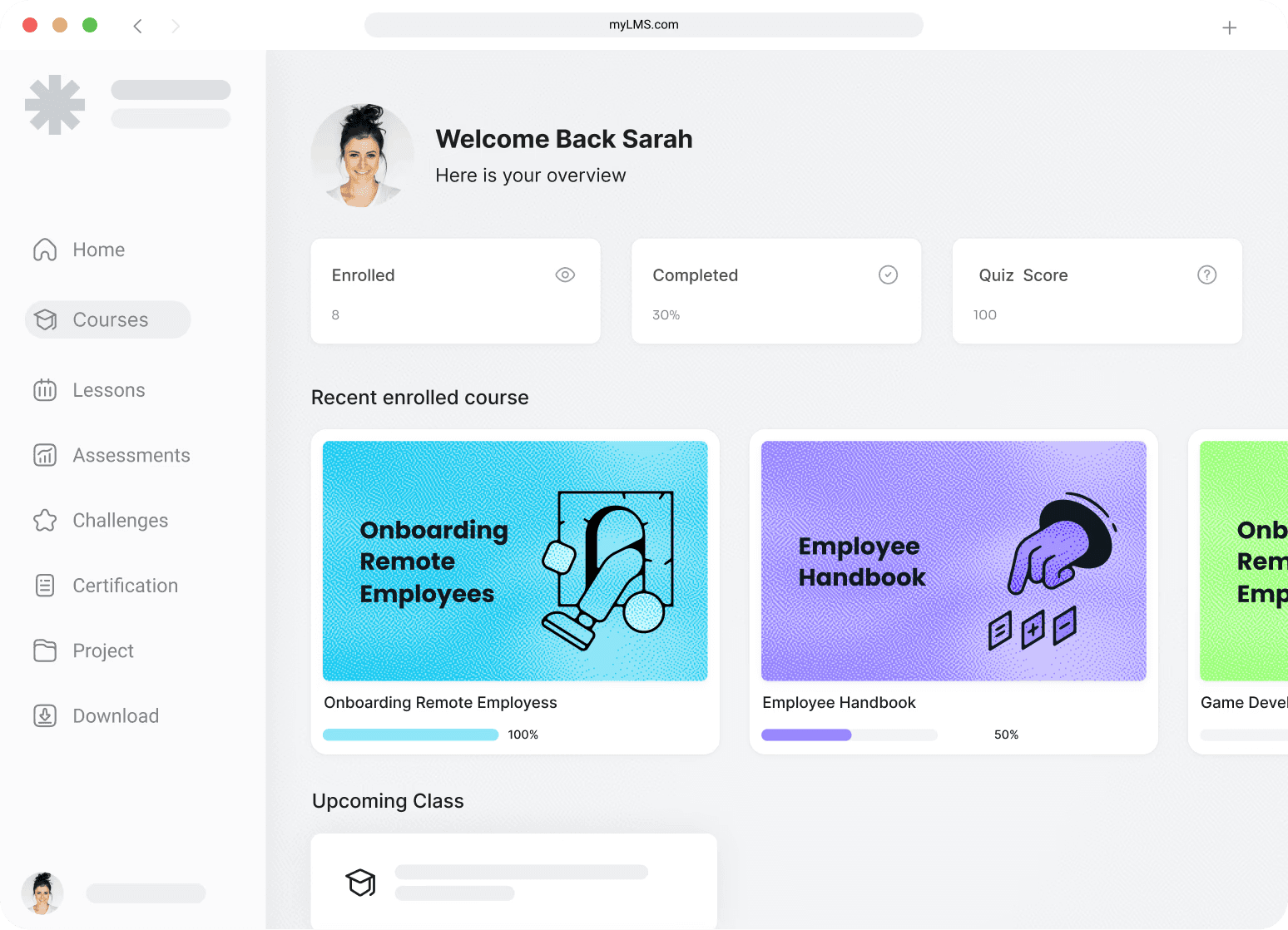
Coassemble is built for teams that need to actually run and share training, not just draft it. Upload a PDF, PowerPoint, or SOP, and the AI-powered builder turns it into an interactive course with quizzes, visuals, and structure built in. It’s designed for any skill level — HR, operations, or sales can all create engaging training without design help.
It doesn’t have a free-forever plan, though. The free way in is a Sandbox: request one and you get the full platform at no cost to build and test a real course, with someone on hand to help you scope it. Paid plans start at $2,500/year.
How to try it free:
- Request a free Sandbox — the full platform at no cost to evaluate
- Build and test a real course before committing
Pros:
- Built for the full workflow: create, share, and track in one place
- Built-in assessments (it generates quizzes automatically)
- User-friendly drag-and-drop creation
- Courses are mobile-ready, so learners can complete them on any device
- SCORM export and tracking via API for teams that need to plug into an LMS or their own product
Cons:
- No free-forever plan (free Sandbox to evaluate; paid from $2,500/year)
- Best fit is teams running real training, not one-off personal courses
Example in action: a company onboarding deck becomes a polished self-paced course in minutes — trackable, shareable, and easy to update as your product evolves.
SC Training — free for small teams
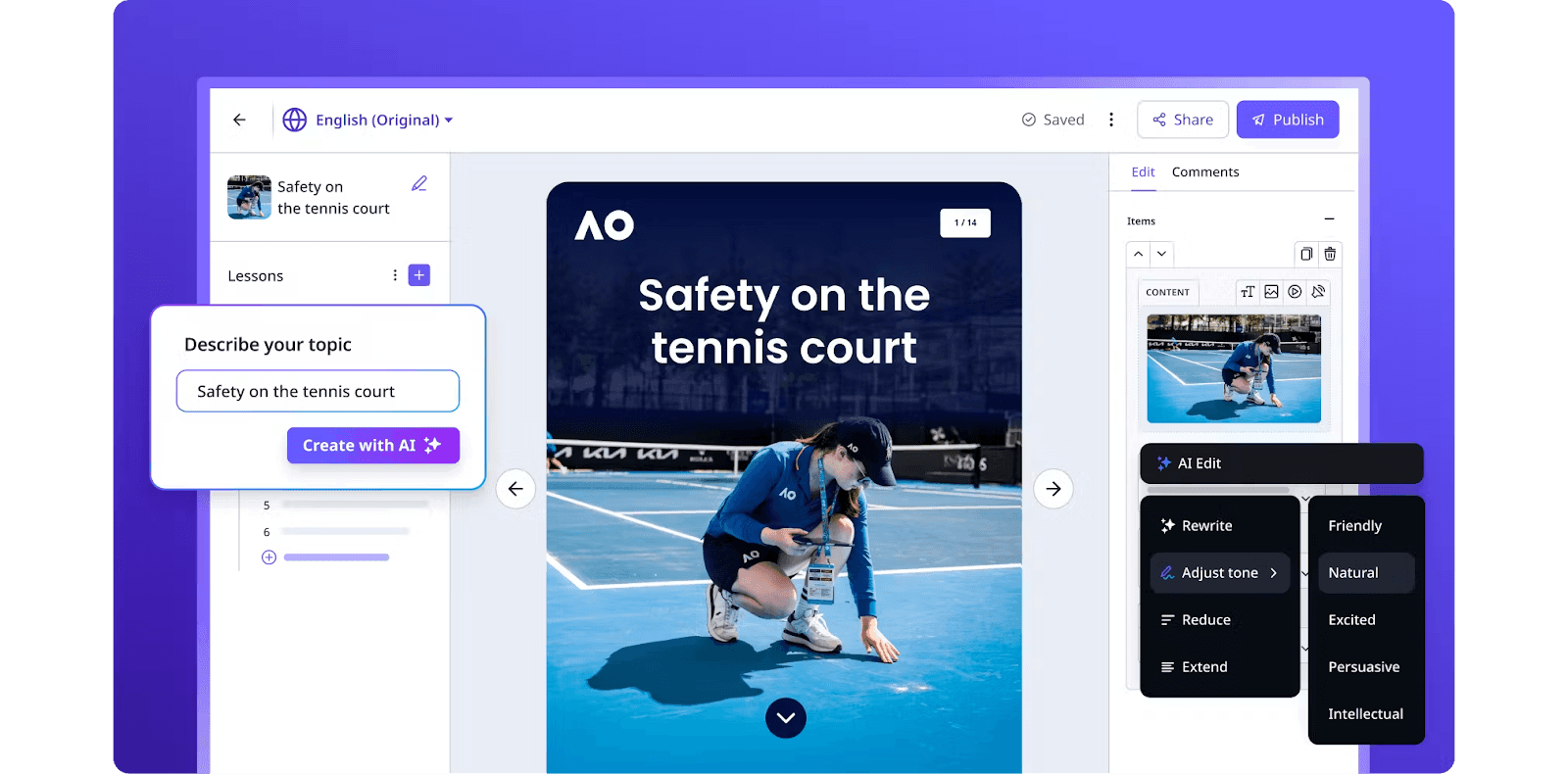
SC Training (formerly EdApp) offers a free plan that works for up to 10 users. It’s designed for microlearning: short, mobile-first lessons that make it easy to create mini courses your learners can complete quickly.
Free plan includes:
- Unlimited courses
- AI lesson generator
- Access to 1,000+ editable course templates
- Built-in gamification, like leaderboards and quizzes
Pros:
- Free forever for small teams (no credit card required)
- Mobile-ready by default, perfect for frontline or remote learners
- User-friendly AI tools to turn documents into training content
Cons:
- Free plan capped at 10 learners
- Advanced analytics, SSO, and deeper customization require an upgrade
Example in action:
The Safety in the Workplace course is a ready-to-use course in SC Training. It covers slips, trips and falls, personal protective equipment, and safe lifting, with assessments built in. Teams can provide this course directly to employees to boost productivity and ensure safer practices.
Canva — design-first with limited free course features
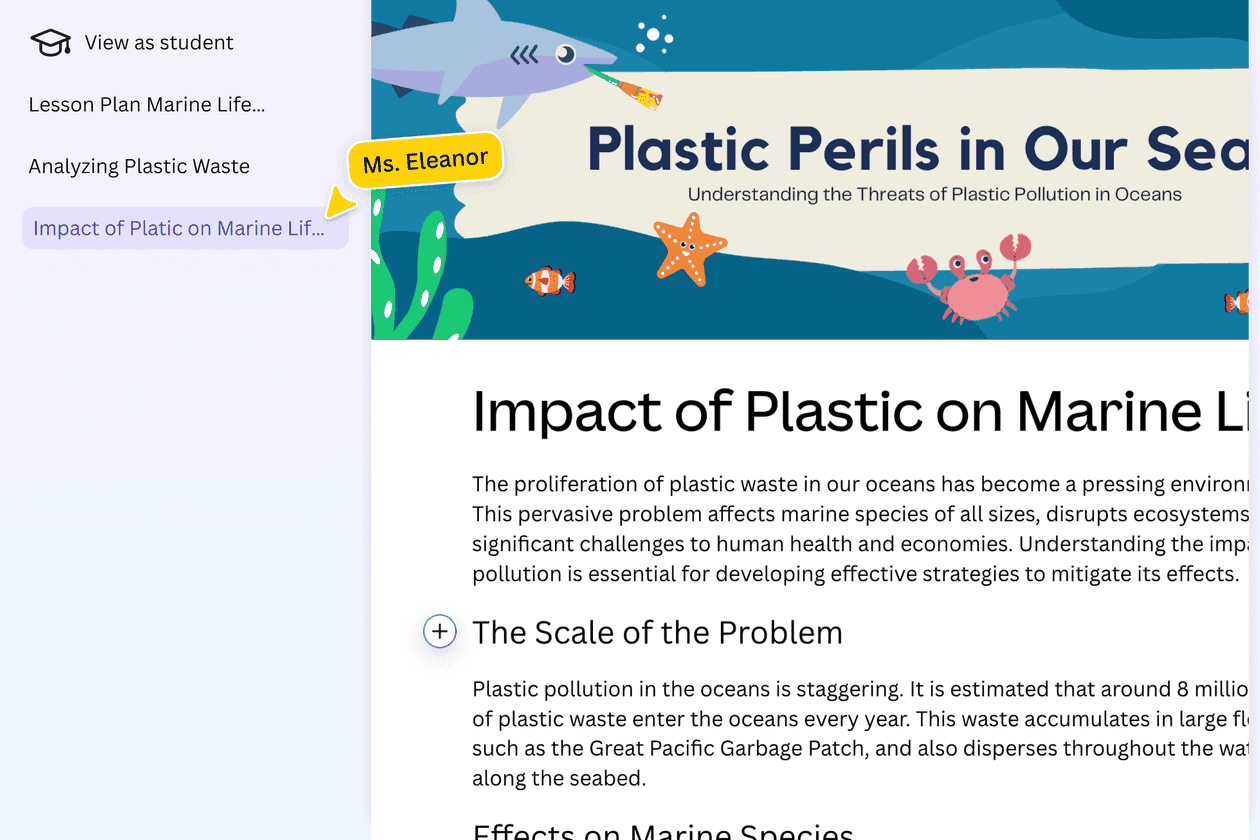
Canva recently introduced its AI course creator, built into its design platform. You type in a topic, and the AI drafts a course outline with slides that you can customize using Canva’s editor. It’s great for creating visually polished mini courses, but it’s less suited for full online training programs.
Free plan includes:
- Access to Canva’s course creator and editor
- AI tools for generating outlines and slide content
- Ability to design and export courses as presentations, PDFs, or shareable links
- Free access for educators and students
Pros:
- User-friendly drag-and-drop design editor
- Strong visual customization for creating engaging learning content
- AI support for outlining and drafting lessons quickly
Cons:
- Advanced features like branding, analytics, and templates require Canva Pro
- Limited assessments, tracking, or interactive courses
- Better for creating mini courses than managing the entire course creation process
Example in action:
A teacher types in “digital citizenship,” and Canva’s AI generates a draft mini course. They refine it with visuals and quizzes, then share it with students as a link or PDF.
ChatGPT — text-based course creation with AI
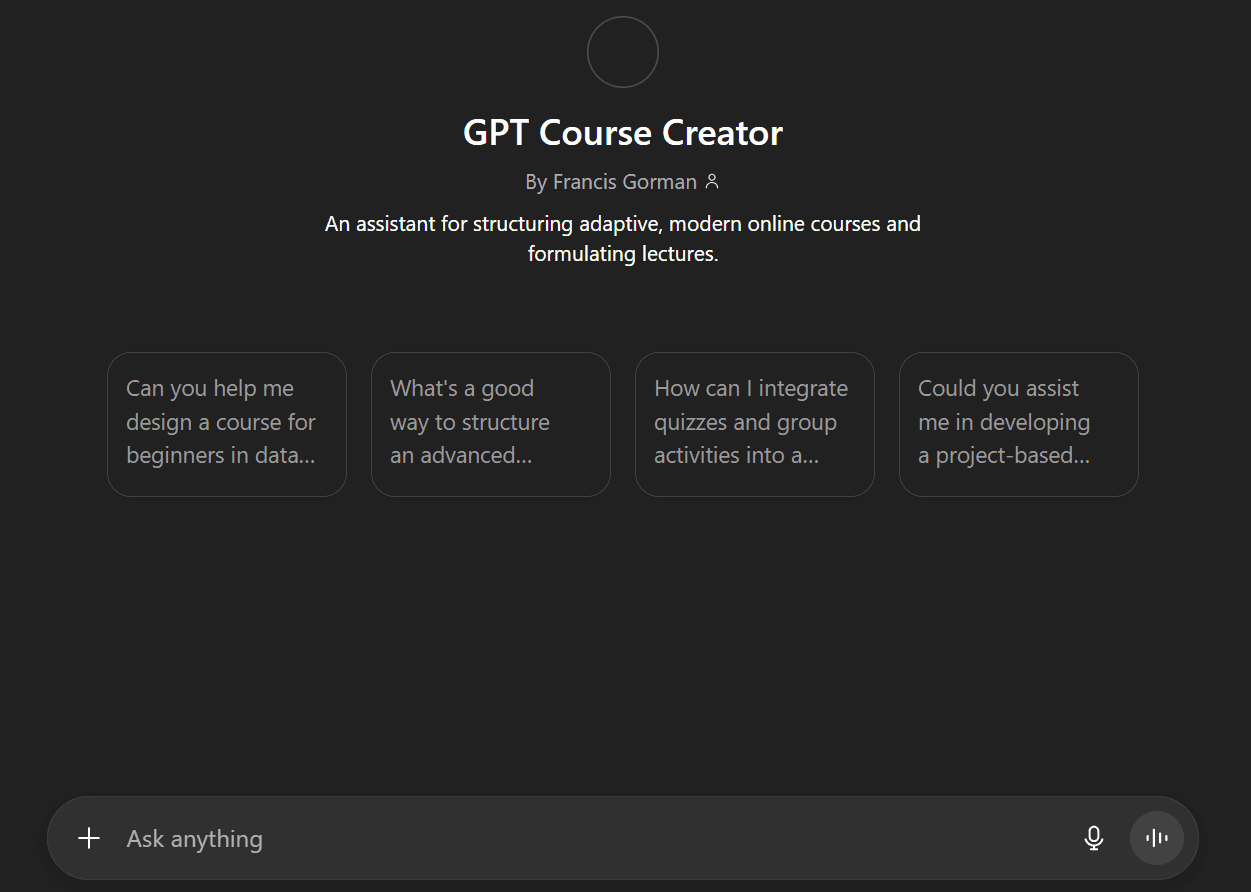
ChatGPT can be used as a free tool for generating course outlines, lessons, and text content. While it’s not a full course creation platform, it’s useful for drafting and organizing ideas before moving them into another tool. There are also custom GPTs, like the Course Creator GPT, designed specifically to help structure courses.
Free plan includes:
- Access to AI text generation for lesson plans and course content
- Ability to outline mini courses and write scripts, guides, or assessments
- Unlimited prompts with the free ChatGPT model
Pros:
- Completely free to start
- Flexible for brainstorming and drafting course ideas
- Can act as an AI assistant to generate quizzes, lesson text, and summaries
Cons:
- Outputs are text-only (no interactive courses or design features)
- No built-in publishing, tracking, or learner engagement tools
- Requires another platform to turn drafts into deliverable courses
Example in action:
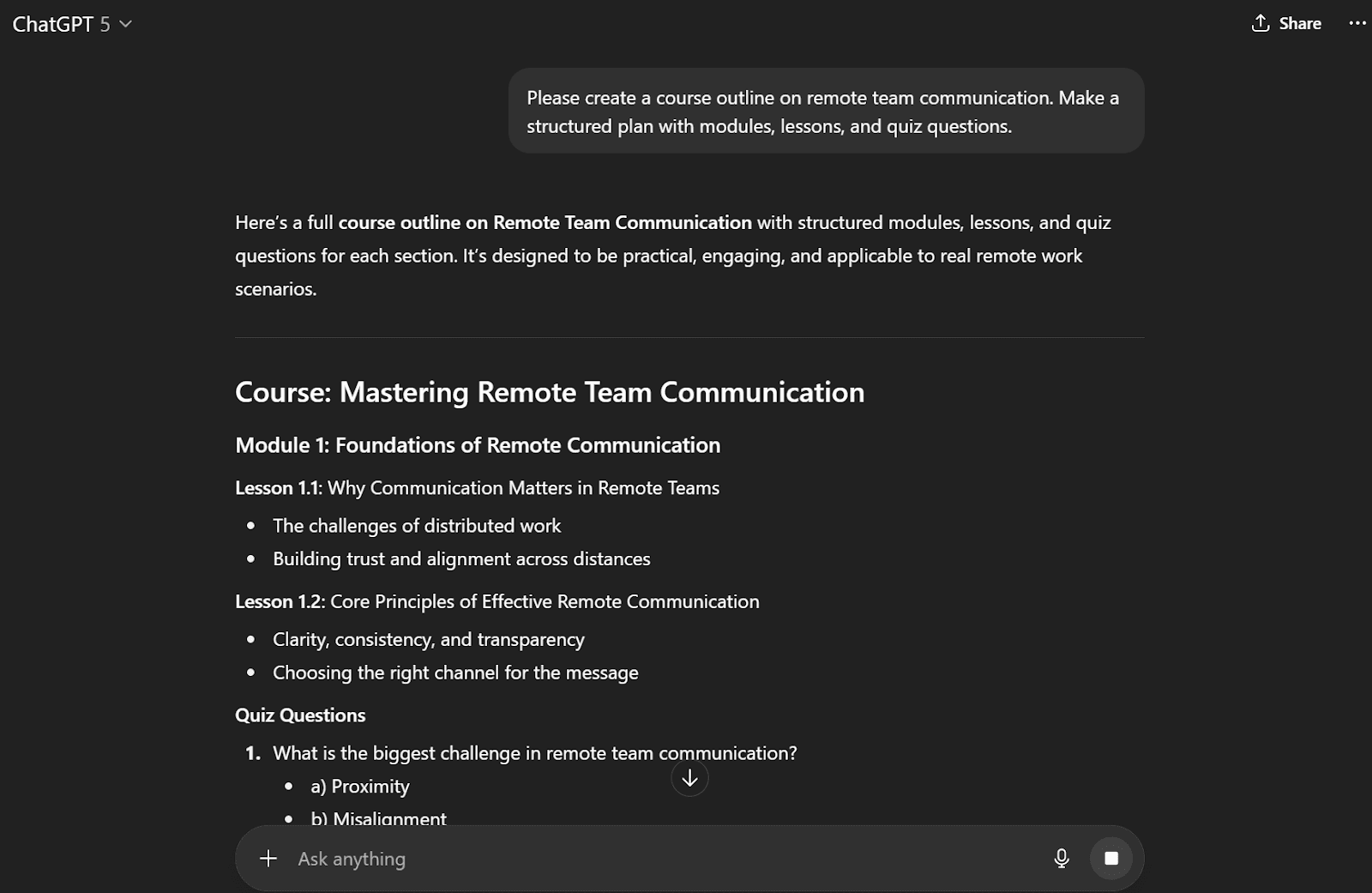
An L&D manager asks ChatGPT to create a course outline on remote team communication. Within seconds, they receive a structured plan with modules, lessons, and quiz questions, which they later import into a dedicated creation tool.
Also: don’t miss our roundup of the best LMS alternatives for teams.
How to create your first AI-generated course
You’ve seen what’s out there. Most tools help in pieces: drafting text here, designing slides there. A full platform like Coassemble pulls it all together — from a file to a shareable, trackable course. Here’s how that works.
Starting from your existing content
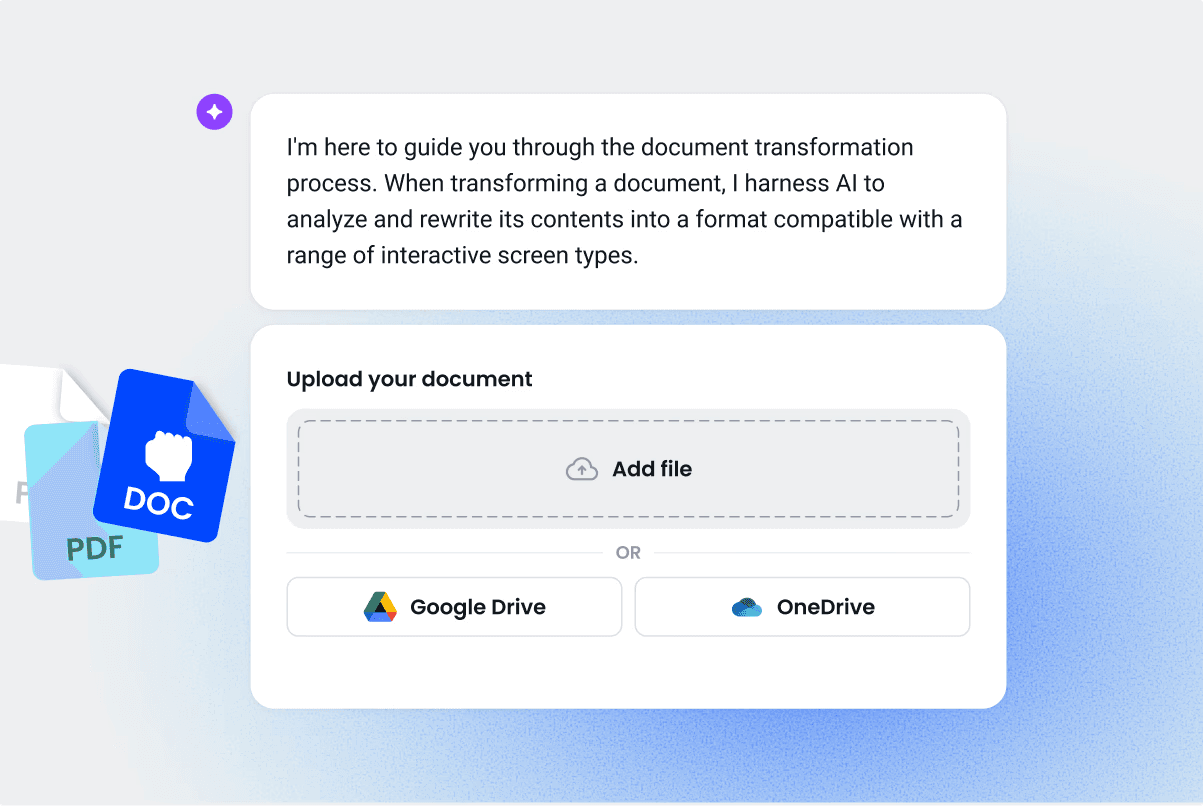
The fastest way to get going is by using what you already have. Documents, slide decks, or SOPs can all be dropped in, and the AI restructures them into a course with lessons, quizzes, and interactive elements.
For example, Irene Chan turned her blog posts about GEO into a full course for marketers. It took her 10 minutes to set up.
Best file types to upload:
- PDFs
- PowerPoint slides
- Word docs or SOPs
The creation process, step by step
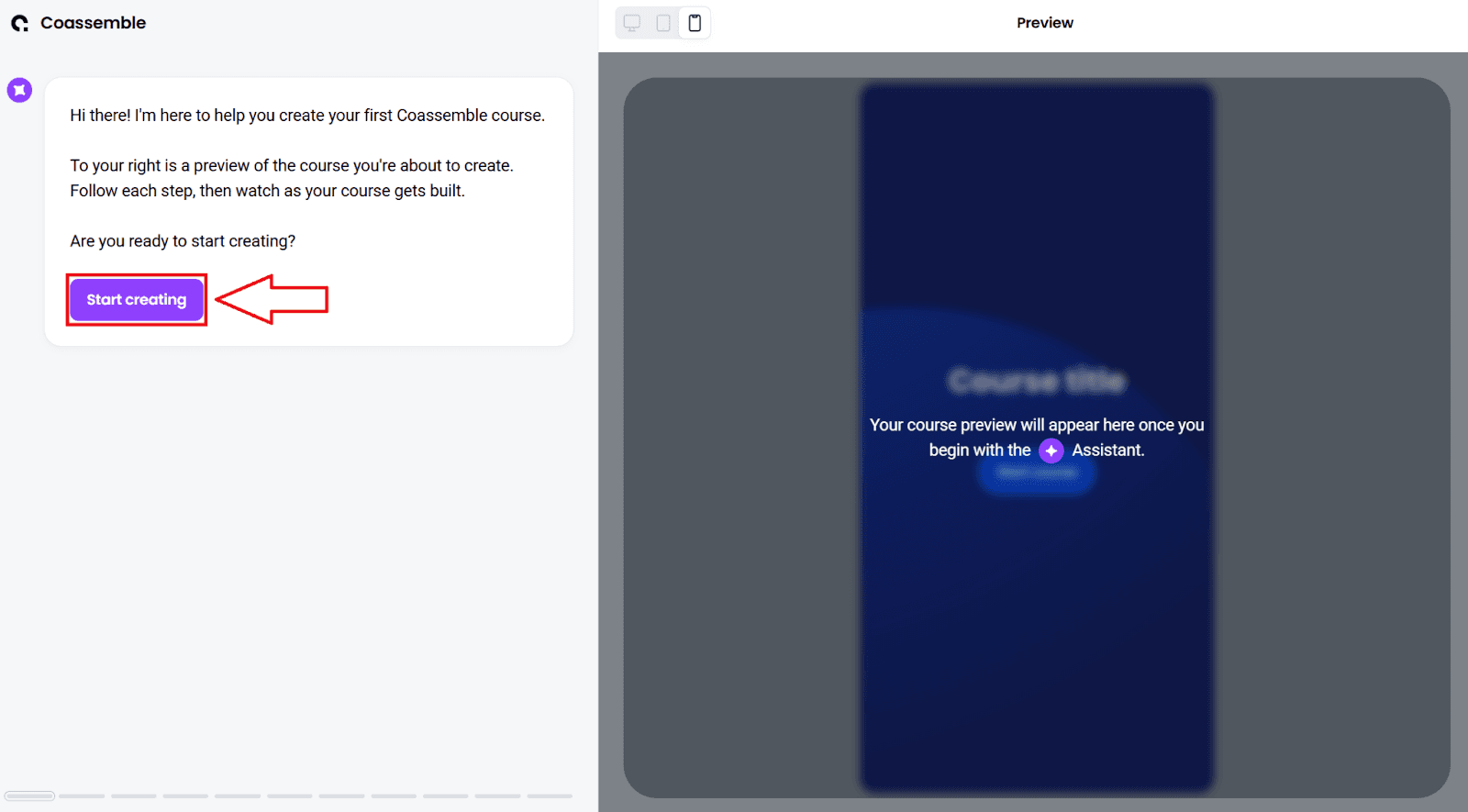
- Request a free Sandbox to get into the full platform at no cost.
- Add your company URL.
- Select Transform an existing document and upload your file.
- Describe your course with as much detail as possible.
- Optional: generate a quiz for the course.
- Check the course preview on the right side of the page.
- When you’re happy, share it via email, a share link on your preferred platform, or a SCORM export for your HRIS or LMS.
Common challenges and how to avoid them
- Quality control: AI-generated drafts save time, but always review for accuracy and tone before publishing.
- Consistency: add your brand voice, visuals, and examples to keep the training relevant.
- Engagement: use quizzes and short interactive elements to keep learners active, not passive.
With this approach, you’re not stuck waiting on design resources or expensive licenses. You’re shipping a usable course quickly, then improving it with feedback. Focus on courses with specific topics and clear outcomes rather than one long, vague course.
Curious how AI stacks up against old-school platforms? Read our guide on AI LMS to see why AI course creation is different.
Free tiers vs. paid platforms: which do you need?
For light or personal use, a genuinely free tool covers the basics — draft a mini course, share a link, and go. As soon as you’re running training for a team, though, free tiers tend to hit their limits fast.
Where free tiers work
- One-off or personal mini courses
- Small teams within a free plan’s learner cap
- Drafting outlines and content before building the real thing
Where a paid platform earns its place
- Advanced analytics and reporting — learner behavior, quiz performance, and engagement trends
- Multiple course creators — larger teams contributing to training
- Integrations — connecting courses to HR systems, CRMs, or your own product
- White-label delivery — fully branded experiences with no third-party logos
The honest takeaway: free tiers are great for getting started and testing the idea. When scale, integrations, or deeper insight matter, that’s when a paid platform like Coassemble pays off — and you can try it free with a Sandbox before you commit.
The takeaway
Creating an online course with AI is no longer out of reach. Free tiers and drafting tools cover more than enough to get started, and a full platform turns your docs, decks, and SOPs into interactive courses your learners can actually use.
Your knowledge doesn’t belong in a folder — it belongs in motion. Request a free Coassemble Sandbox to build and test a real course, or see pricing when you’re ready to run it.
FAQs: creating online courses with AI for free
Can I create online courses with AI for free?
You can create and try one for free. Several tools have genuinely free tiers (usually capped on learners or export), and ChatGPT is free for drafting content. For a full platform like Coassemble, there’s no free-forever plan, but you can request a free Sandbox to build and test a real course before paying (plans start at $2,500/year).
What's the difference between AI course creators and traditional course builders?
AI course creators turn files into structured courses automatically. Traditional builders rely on manual setup and design.
Do I need technical skills to use AI course creators?
No. Most platforms are built for any skill level. Upload your content, and AI handles the structure.
How long does it take to create a course with AI?
With a tool like Coassemble, you can go from file to interactive course in minutes. Customization and review take a bit longer.
Can AI course creators generate quizzes and assessments?
Yes. Coassemble automatically generates quizzes from your content, so learners can engage and test their knowledge.
Keep reading
How do I build a customer training academy inside my application?
Most guides tell you to stand up a separate LMS. Here's the other way: build the customer training academy inside the product your customers already use, through an API.
How do I embed interactive courses inside a web application?
iframe, JavaScript component, API-driven signed URLs, or SCORM? Here's how each approach to embedding a course inside your own web app trades off control, security, and effort.
Best practices for building an in-app customer training academy
What separates an in-app academy that gets used from one that gets ignored? Start from content you already have, keep lessons short, match your brand, segment, and trigger training in context.